








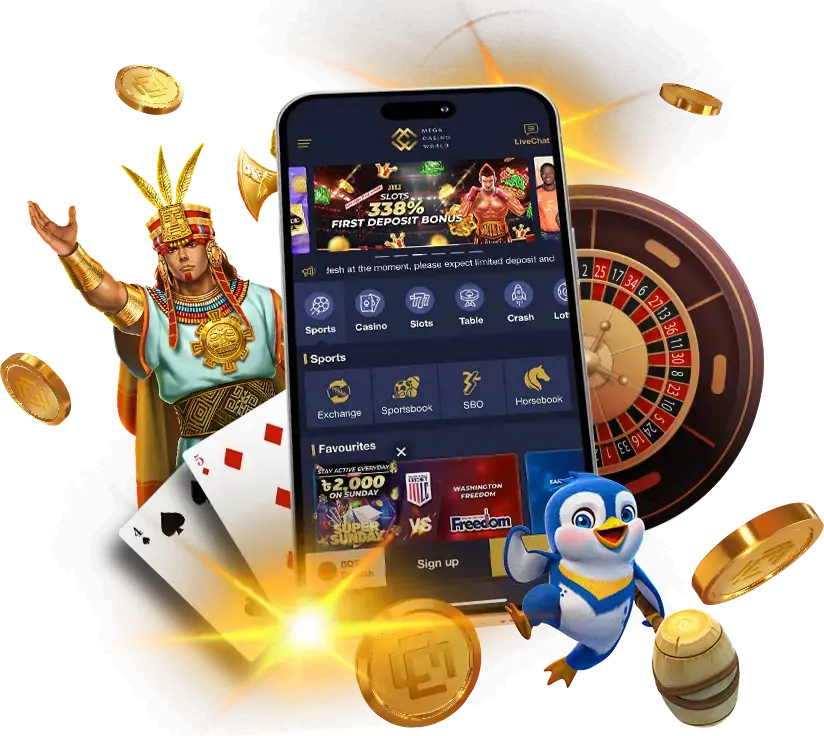

Take the full MCW experience with you. The MCW app puts the entire casino and sportsbook in your pocket — slots, live casino, crash games, cricket and sports betting, fast deposits and withdrawals — all in BDT, on Android and iOS. Log in with biometrics on Android, get push alerts for live odds, and play wherever you are.
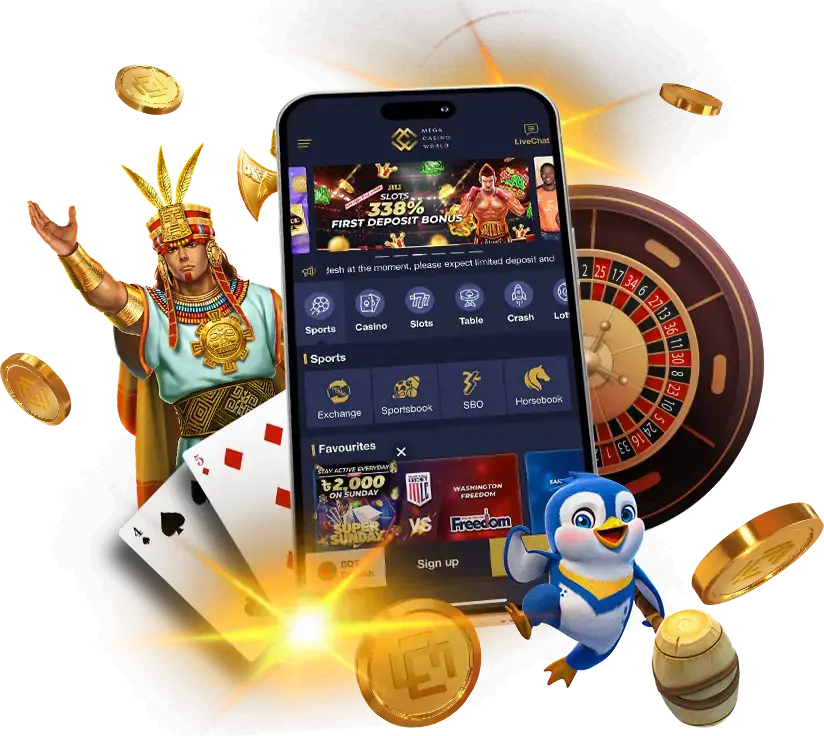
Download only from the official site, mcw.in.net. Fake "MCW APK" downloads on other sites can carry malware — only ever install from our official site. New here? Register and deposit to start playing.
Why use the MCW app?
The app gives you everything the website does, optimised for mobile and a few steps faster:
- Full casino and sportsbook — slots, live tables, crash, fishing, plus cricket, football and live betting.
- Biometric login (Android) — MCW app login is instant with your fingerprint or face, no password to type.
- Fast deposits and withdrawals — manage your Cashier with bKash, Nagad and Rocket in a few taps.
- Push notifications — alerts for live odds movements, results and promotions, vital for in-play betting.
- Smooth performance — games built in HTML5 run fast and fit your screen.
Download the MCW app for Android
On Android, the app installs as an APK from the official site:
- On your phone, open mcw.in.net in your browser.
- Tap Download for Android to get the official APK.
- When prompted, allow installs from unknown sources (this is needed because the app isn't in the Play Store, a common rule for real-money gaming apps) — your phone may call this "Install unknown apps" for your browser.
- Open the downloaded APK and tap Install.
- Launch MCW, log in or register, and enable biometric login for next time.
The Android app requires Android 5.0 or later. Because it installs outside the Play Store, only ever download the APK from mcw.in.net — never from a third-party site offering an "MCW APK", which may be malware.
Get the MCW app on iOS
On iPhone and iPad, MCW runs as a web app you add to your home screen — there's no separate App Store download:
- Open mcw.in.net in Safari.
- Tap the Share icon (the square with an upward arrow).
- Choose Add to Home Screen.
- Tap Add — an MCW icon appears on your home screen like a normal app.
- Open it and log in to play full-screen.
This gives you fast, app-like access to the full casino and sportsbook on iOS, straight from the official site, with nothing extra to install.
Android app vs iOS web app
| Comparison point | Android | iOS |
|---|---|---|
| Install | APK from mcw.in.net | Add to Home Screen (Safari) |
| Requirement | Android 5.0+ | Recent Safari/iOS |
| Biometric login | Yes (fingerprint/face) | Via device, web app |
| Source | Official site only | Official site only |
| Full casino + sportsbook | Yes | Yes |
Both give you the complete MCW experience; the difference is just how you install. On Android you get the native APK with biometric login; on iOS, a home-screen web app.
Staying safe — avoid fake apps
This matters, so we'll be direct: the only safe place to get the MCW app is the official site, mcw.in.net. Across the web you'll find sites and Telegram channels offering "MCW APK" downloads, "modded" apps or "hack" versions — these frequently contain malware designed to steal your login, banking details or wallet access. A real-money app that asks for your details is exactly the kind of target malware authors imitate. Protect yourself:
- Download only from mcw.in.net. Bookmark it.
- Ignore "mod", "hack" or "premium" APKs. They don't give an edge — the games are provably fair or RNG-certified — and they're a security risk.
- Check the address bar. Copycat domains mimic our look to capture deposits.
What you can do in the app
The app is the full MCW, not a cut-down version. You can:
- Play slots, live casino, crash games and fishing.
- Bet on cricket, football and live in-play markets.
- Deposit and withdraw via bKash, Nagad and Rocket.
- Claim the welcome bonus and track promotions.
App not working? Quick fixes
Having trouble installing or running the app? Common fixes:
- Install blocked (Android): enable "Install unknown apps" for your browser in settings, then reopen the APK.
- Won't download: check your connection and that you're on mcw.in.net; try again.
- App won't open or is slow: ensure you're on Android 5.0+, free up storage, or use Wi-Fi for live games.
- Can't log in: check your details, or reset your password from the login screen.
For more, see app help or contact 24/7 support via live chat.
Get started
- Register an MCW account (BDT, 18+).
- Download the app from mcw.in.net — APK on Android, Add to Home Screen on iOS.
- Deposit via bKash, Nagad, Rocket, UPAY or TAP.
- Play and bet, then withdraw your winnings.
Play responsibly; you must be 18+. More on responsible gaming.
Once the app is installed, keep the MCW login details guide handy for password resets, biometric access and safe sign-in checks on mobile.
If you mainly use MCW on mobile, bookmark the app troubleshooting guide, the payments overview and the live betting guide; those are the pages most useful during real sessions.
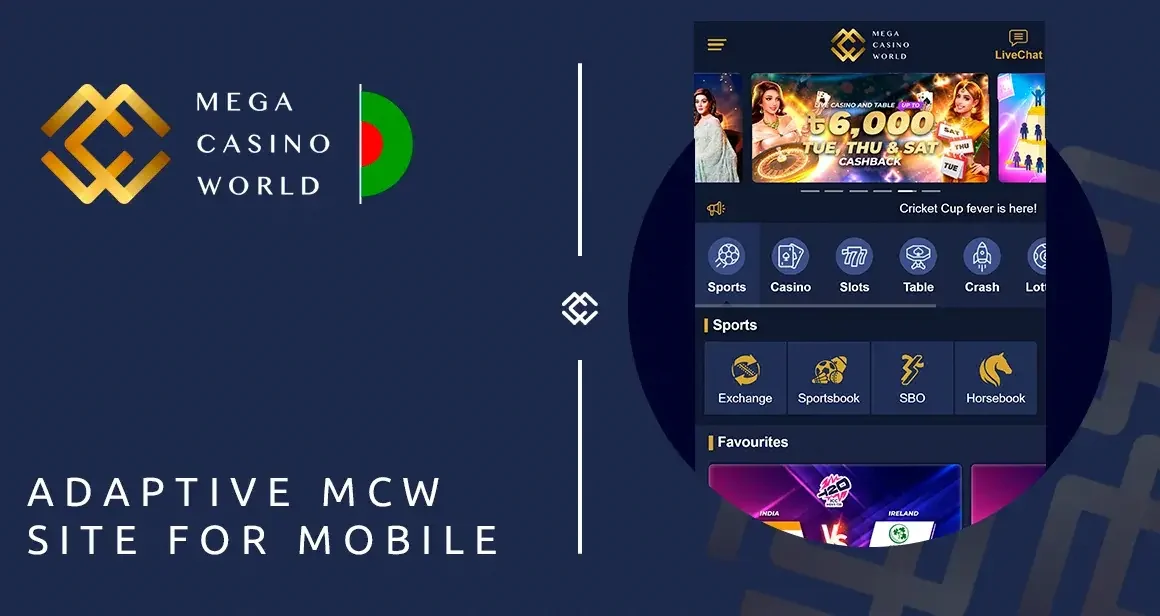


Frequently asked questions
How do I download the MCW app?
On Android, open mcw.in.net, tap Download for Android, allow installs from unknown sources, and install the APK. On iOS, open mcw.in.net in Safari, tap Share, and choose Add to Home Screen.
Is there an MCW app for iPhone?
Yes, as a web app: open mcw.in.net in Safari and Add to Home Screen for app-like access. There's no separate App Store download.
Why do I need to allow "unknown sources" on Android?
Because the app installs as an APK outside the Play Store — a common arrangement for real-money gaming apps. Only enable it to install the official APK from mcw.in.net.
Is the MCW app safe?
Yes, when downloaded from the official site, mcw.in.net. Avoid third-party "MCW APK", "mod" or "hack" downloads, which can contain malware.
What Android version do I need?
The MCW app requires Android 5.0 or later.
Can I use biometric login?
Yes, on the Android app — sign in with your fingerprint or face. On iOS, you log in through the web app.
Does the app have the full casino and sportsbook?
Yes. The app includes everything on the website — all casino games, the full sportsbook, deposits, withdrawals and bonuses.
18+. Play responsibly. Official site: mcw.in.net. MCW Consultancy Ltd., licensed in Anjouan, Union of Comoros.