










Having trouble installing or running the MCW app? Most issues have a quick fix. This guide walks through the common MCW app install problems on Android and iOS — downloads that won't start, blocked installs, login trouble and performance — so you can get back to playing fast. For the download steps themselves, see the main app page.
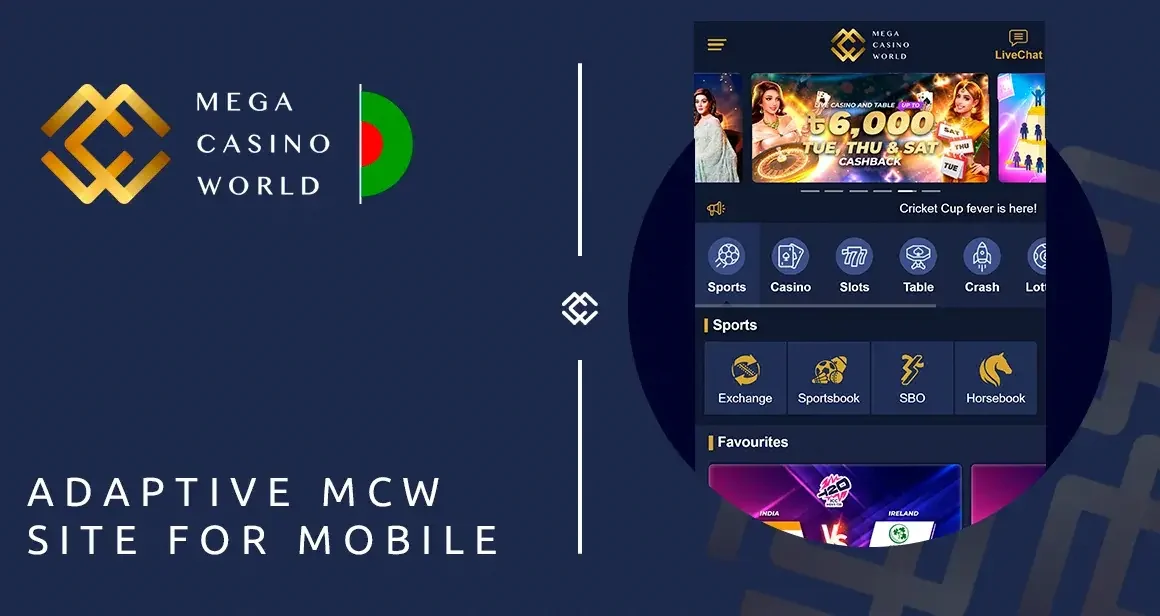
Download only from the official site, mcw.in.net. Most install problems come from trying a fake third-party APK — these can carry malware. Always use the official site. New here? Register and deposit to start.
Android install problems
The Android app installs as an APK from mcw.in.net, which is where most issues arise — usually a quick settings fix:
"Install blocked" or "unknown sources" warning
Android blocks installs from outside the Play Store by default. To allow the official MCW APK: go to your phone's settings, find Install unknown apps (or "Unknown sources"), select your browser, and enable it. Then reopen the downloaded APK and tap Install. This is normal for real-money gaming apps that aren't in the Play Store.
APK won't download
Check your internet connection, make sure you're on mcw.in.net, and try again. If your browser blocks the download, allow it when prompted. Clearing your browser's download cache can help.
"App not installed" error
This usually means an older version is already installed or storage is low. Uninstall any previous MCW app, free up some storage, and reinstall the latest APK from mcw.in.net.
App requires a newer Android version
The MCW app needs Android 5.0 or later. Check your Android version in Settings → About phone; if it's older, the app may not install.
iOS setup problems
On iPhone and iPad, MCW runs as a web app added to your home screen — there's no App Store download, which sometimes causes confusion:
Can't find the app in the App Store
That's expected — MCW isn't a native App Store app on iOS. Instead, open mcw.in.net in Safari, tap the Share icon, and choose Add to Home Screen.
"Add to Home Screen" missing
Make sure you're using Safari (not Chrome or another browser) — the option only appears in Safari's Share menu. Scroll the share options if you don't see it immediately.
Web app won't open full-screen
Launch MCW from the home-screen icon you added, not from a browser tab, for the full app-like experience.
Login problems in the app
Can't log in
Check your registered phone number/username and password are correct. If you've forgotten your password, reset it via the "forgot password" link. For more, see login help.
Biometric login not working (Android)
Make sure biometric login is enabled in the app settings, and that your phone's own fingerprint or face unlock is set up. Re-enable it in the app if it's not prompting.
Logged out unexpectedly
This can happen after a security check or app update. Simply log back in; enable biometric login to make it quicker next time.
Performance problems
App is slow or laggy
Close background apps, ensure you're on a stable connection (Wi-Fi is best for live games), and check you have free storage. Restarting the app or your phone often helps.
Live games buffering
Live casino and live betting stream video, so they need a steady connection. Switch to Wi-Fi or a stronger signal, and avoid heavy downloads in the background while playing.
App crashes on launch
Make sure you're on the latest version from mcw.in.net and on Android 5.0+. Reinstalling the latest APK usually resolves crashes caused by an outdated or corrupted install.
Deposit or withdrawal issues in the app
Payment problems in the app are the same as on the website — usually a wrong transaction ID, an amount outside the limit, or depositing outside eWallet hours (8:00–22:00). See the deposit and withdrawal pages, or the help centre for full troubleshooting.
Staying safe — avoid fake apps
This is the single most important point: the only safe place to get the MCW app is mcw.in.net. Many "install problems" come from downloading a fake "MCW APK", "mod" or "hack" from a third-party site or Telegram channel — these frequently contain malware that targets your login and banking details. If an APK came from anywhere other than mcw.in.net, delete it and reinstall from the official site. See the app page for safe download steps.
Still stuck?
If your problem isn't solved here, our support team can help directly:
- Live chat — fastest, 24/7, on the site and app.
- Email, Telegram, Facebook — all available 24/7, with a Bengali interface.
Once you're up and running, head to the MCW casino to play. You can also check the app page for download steps and the help centre for account and payment issues. Play responsibly; you must be 18+. More on responsible gaming.
For repeated app issues, separate the cause: sign-in problems belong in the login guide, failed top-ups in the deposit guide, delayed cash-outs in the withdrawal guide, and general answers in the FAQ.


Frequently asked questions
Why won't the MCW app install on Android?
Usually Android is blocking installs from outside the Play Store. Enable "Install unknown apps" for your browser in settings, then reopen the APK from mcw.in.net. The app needs Android 5.0+.
Why can't I find the MCW app in the App Store?
On iOS, MCW isn't a native App Store app — it's a web app. Open mcw.in.net in Safari, tap Share, and choose Add to Home Screen.
Why do I get "app not installed"?
Usually an older version is installed or storage is low. Uninstall the previous app, free up space, and reinstall the latest APK from mcw.in.net.
What Android version do I need?
The MCW app requires Android 5.0 or later. Check Settings → About phone for your version.
Why is the app slow or crashing?
Close background apps, use Wi-Fi (especially for live games), free up storage, and make sure you're on the latest version from mcw.in.net. Reinstalling usually fixes crashes.
My biometric login won't work — how do I fix it?
Enable biometric login in the app settings and make sure your phone's fingerprint or face unlock is set up. Re-enable it in the app if needed.
I downloaded an APK that won't work — what should I do?
If it came from anywhere other than mcw.in.net, delete it — it may be a fake or malware. Reinstall the official APK from mcw.in.net only.
18+. Play responsibly. Official site: mcw.in.net. MCW Consultancy Ltd., licensed in Anjouan, Union of Comoros.